

What is Rolodex?
Rolodex overlays your team’s network into one unified database. It automatically syncs your team’s connections and communication history from LinkedIn, Gmail, Outlook, and calendars—making it easy to see who knows who and what was said, all in one place.
You can:
- See the full interaction history across your team: meetings, emails, and notes.
- Use visual tools like Boards, Map View, and Org Charts to organize and act on your network.
- Set personalized or team-wide Keep-in-Touch reminders to stay engaged with the right people at the right time.
- Collaborate on contacts and companies using custom fields, tags, and lists.
Step 1: Create your account
You can sign up using your Google account, Microsoft account, or email address. Setup takes less than two minutes.Create your Rolodex account
Sign up with Google, Microsoft, or email.
Step 2: Download the Rolodex mobile app
The Rolodex mobile app is where you connect LinkedIn, and it keeps your network accessible on the go—add contacts, capture meeting notes, and manage Keep-in-Touch reminders from your phone. Log in with the same account you used to sign up.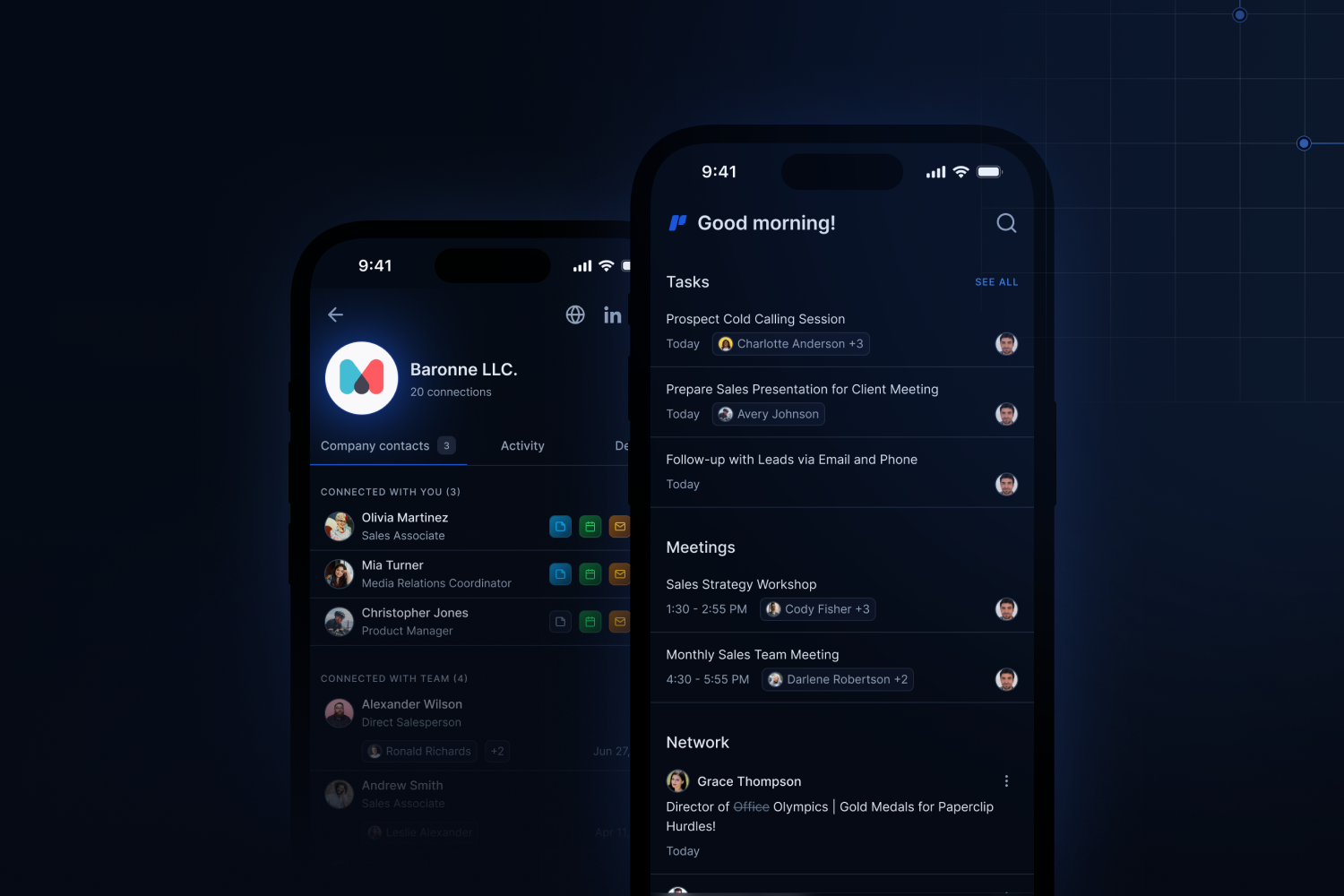
iOS Download
Download from the App Store.
Android Download
Download from Google Play.
The mobile app is required to sync LinkedIn connections. Gmail and Outlook can be connected from the web app without it.
Step 3: Sync your connections
Gmail and Google Contacts
Connect one or more Gmail accounts from Settings → Connected Accounts to pull in calendar events, email history, and Google Contacts. Rolodex uses this to surface who you’ve met, when you last spoke, and what was discussed—without manual logging.Microsoft Outlook
Connect Outlook and Microsoft 365 accounts the same way. Rolodex syncs calendar meetings and email interactions to build a full interaction history alongside your LinkedIn and Gmail data.Other address books
Not on Google or Microsoft, or would rather not connect an account for ongoing sync? Rolodex can pull a one-time copy of your address book from Yahoo, iCloud, AOL, and 25+ other providers — you get the contacts without the continuous email and calendar sync.Step 4: Explore your network
Once your connections are synced, your workspace populates with contacts and companies. From here you can:- Search and filter by name, company, tag, or list.
- Boards view — organize contacts into Kanban-style columns for pipeline or relationship stages.
- Map view — see your contacts plotted geographically, useful for planning outreach by region.
- Org Charts — visualize reporting structures within companies you’re tracking.
Step 5: Set Keep-in-Touch reminders
Keep-in-Touch lets you set a recurring cadence for staying in contact with specific people. Rolodex monitors your interaction history and notifies you when you haven’t spoken to someone within your chosen interval. Once you reach out and an interaction is logged, the reminder resets automatically. You can set reminders on individual contacts or apply them across a list.What to do next
Invite your team
Rolodex is most powerful as a shared workspace. Invite colleagues to start combining your networks.
Import from another tool
Moving from Dex or another contact manager? Import your contacts and history in a few clicks.
Core features overview
A full walkthrough of Boards, Map View, Org Charts, and more.
FAQ
Common questions about how Rolodex works, pricing, and privacy.